The freedom to sign any time, any place
TRACE Sign provides a flexible method of signing a PDF document straight from your browser in any smart device.
If you are out of office with just your mobile phone and it’s necessary for you to sign a document urgently, what would you normally do? It might normally mean you have to delay the signing process until you are back at your desk, or if it’s urgent – as signatures tend to be – it may mean returning back to the office just to sign a document. With TRACE Sign we’ve removed that frustration. Simply by visiting your TRACE Sign instance on your mobile browser you can log in, view all of your documents and edit, share and sign them directly from you mobile.
Common signing scenarios
Self signing
Signatory is creating and signing a document for himself.
A great way of keeping track of important internal documents. By keeping your documents on the TRACE Sign platform and ensuring all necessary documents are signed, you keep a store of all of your important documents and can ensure that none of the documents have been edited in any way. Not only can you keep all of your documents in one secure place, you can also check when and where each document was signed, revision history and share with others directly from the app.
Remote signing
Document is shared online to be signed by multiple signatories remotely.
Gone are the days of sending printed documents to be signed. Simply create, scan or drag and drop the document into the TRACE Sign app and you can edit and preview the document. When it’s ready to be signed, you can share via email to the relevant third parties via email, whether they are a TRACE Sign user or not. The third parties are sent a unique link that takes them to a lightweight version of the TRACE Sign app where all they can view is the document. If necessary, at this step you can add a second level of security by adding a password to the document. You can also add SMS verification at this step of the process where only a user that has verified a certain mobile will be able to access and sign the document.
Face-to-face signing
Document is to be created and signed by both parties at the same time on the same device.
If you are out on sales pitches or visiting potential clients, preparing documentation beforehand on the TRACE Sign system means that if you get the ‘Yes’ you can get the paperwork done straight away. Open the TRACE Sign app on your mobile, tablet or laptop device and the client can review and sign the contract within a matter of minutes. Problem with the document? An edit needs to be made before the client can sign? If you had printed off a paper contract then nothing would be getting signed until the entire document had been edited an re-printed. With TRACE Sign, the contract can be edited there and then through your browser and then signed immediately.
If you take customer information face-to-face on tablet devices then TRACE Sign with TRACE Core integration is a perfect solution. Users can fill out forms in TRACE Core face-to-face which automatically generates PDF documents based on user defined document templates. The customer can then review these documents straight away and sign them then and there. Not only does this reduce processing time, making it more efficient for your staff, but it also creates a seamless experience for users.
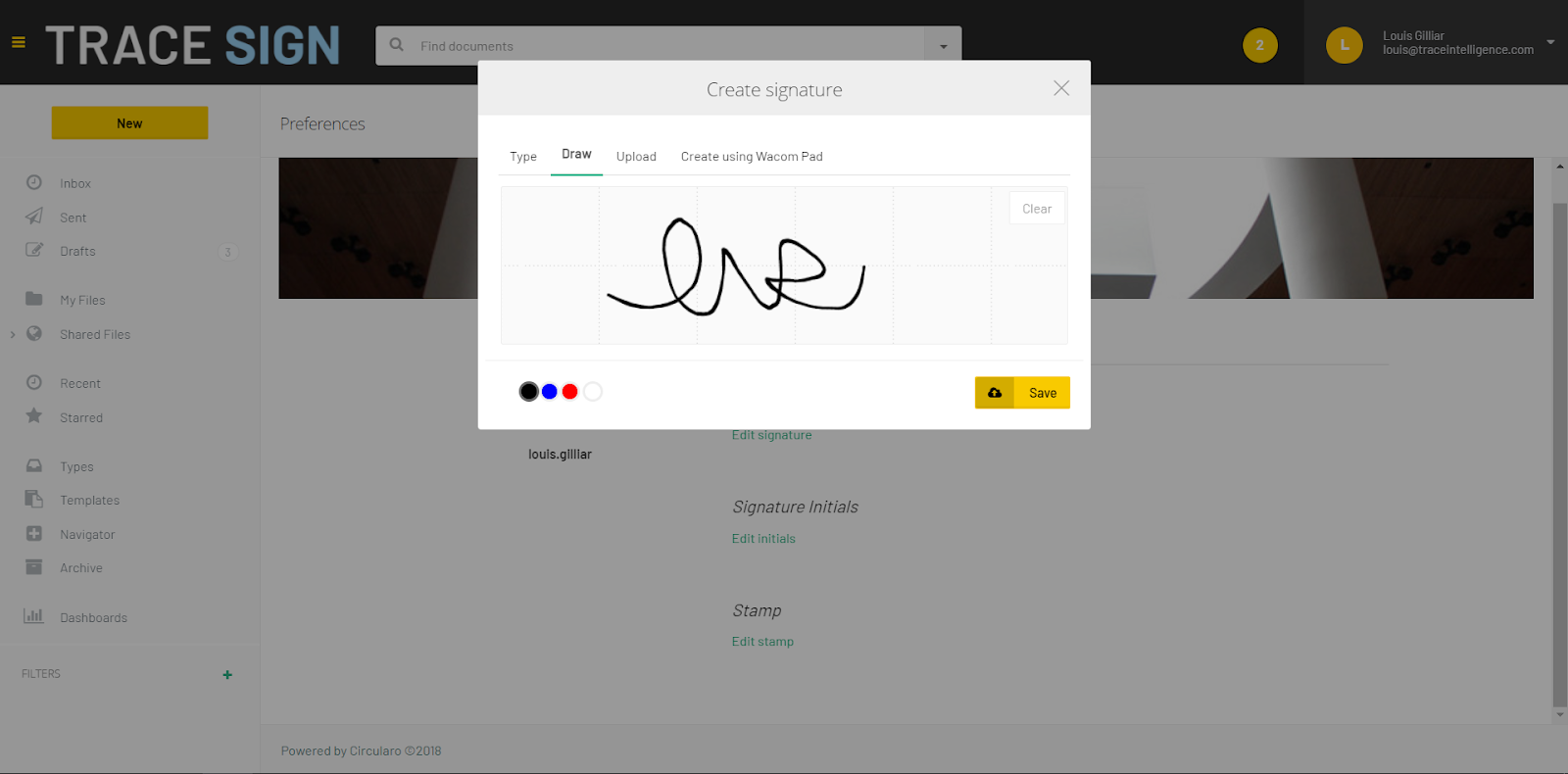
Signature methods
PKI (Public Key Infrastructure) based electronic signature with PDF valid certificates
-
Asymmetric encryption digital signatures consist of asymmetric encryption keys, issued by a Certificate Authority (CA) and used to encrypt non-biometric “digital signatures”. PKI is used across all digital signing methods.
Handwritten dynamic signatures (on touch enabled devices)
-
Recording visual representation of the image with additional dynamic characteristics like speed, pressure etc. depending on which device is the signature captured.
Biometric dynamic signatures (on biometric signing devices)
-
Recording behavioural metrics of the handwritten signature, which includes time-based data on writing rhythm (speed and acceleration), graphics (angle and angle difference) and pressure. These dynamic parameters are unique to every individual and cannot be reproduced by a forger. That’s why a digitized signature is forensically identifiable (and far more reliable than the signed image alone).
Web – HTML5 based signatures (everywhere)
-
Explicit signatory authentication that is logged into a secure server-side eSigning ledger.
-
2 factor signatory verification (authentication).
-
One-time-passwords (OTP) signatory identification / verification via SMS or other method.
eSigning methods
eIDAS 910/2014 (Electronic IDentification, Authentication and trust Services)
-
Electronic Signature (ES)
-
Advanced Electronic Signature (AES)
-
Qualified Electronic Signature (QES)
PAdES (PDF Advanced Electronic Signatures)
-
Uniquely linked to the signatory.
-
Capable of identifying the signator.
-
Only the signatory has control of the data used for the signature creation.
-
It can be identified if data attached to the signature has been changed after signing.
Biometric Data and Digital Signature Standards
-
ISO/IEC 19794-7:2014 Information technology — Biometric data interchange formats — Part 7: Signature/sign time series data.
-
ISO/IEC 19794-11:2013 Information technology — Biometric data interchange formats — Part 11: Signature/sign processed dynamic data.
-
Digital signatures as defined in PDF itself (Adobe PDF Reference PDF 32000- 1:2008 12.8.3.3).
-
ETSI EN 319 422: Time-stamping protocol and time-stamp profiles.
-
ETSI TS 119 101 (Electronic Signatures and Infrastructures (ESI); Policy and security requirements for applications for signature creation and signature validation)